2612 5555
Rm 11, 18/F, Wing Fung Industrial Building, Tsuen Wan, NT
Get a School Quote

Kindergarten Robotics Course


The following four courses can be flexibly arranged to school needs; all focus on screen-free or low-burden interaction with tiered teaching and repeated practice — safe, participative and easy to succeed.

Quick course picker
4 courses

VEX 123 Robotics Introduction

Screen-free Beginner K1–K3
View course

WhalesBot U10 Smart Blocks

Block-Based Robotics Screen-free K1–K3
View course

WhalesBot U20 Advanced Blocks

Coding Pen Sensors K2–K3
View course

WhalesBot U30 Advanced Blocks

Multi-sensing Advanced Challenges K3
View course
Early Years Adaptation Screen-free Beginner
VEX 123 In class: students operate robots to sing and move
VEX 123 Key Visual

VEX 123 Robotics Introduction Course | Course Overview

Designed for kindergarten children, this course enters the fun world of VEX 123 robots. No staring at screens — through hands-on operation and creative thinking, children learn to 'command' robots to dance, sing and even tackle mazes.

What students will learn and gain

  • Learn basic robot concepts and operation
  • Understand programming logic such as sequences and loops
  • Develop spatial awareness and sense of direction
  • Develop problem decomposition and solving skills
  • Build a foundation in STEM learning

Course highlights

Aligned with the Hong Kong Kindergarten Education Curriculum Guide, this course emphasises exploration and practice. Group activities build collaboration; every child gets hands-on time. Screen-free coding protects young eyes while providing concrete experiences. At course end, students showcase skills to parents and classmates.

Showcase Opportunities

  • In-school STEM carnival showcase
  • Kindergarten Tech Day Performance
  • Parent-child Workshop Showcase

Future-ready advantages

Children learn to command robots through play, sparking unlimited creativity and curiosity. They design robot movements and stories, developing logical thinking and problem-solving. Cooperation and sharing are encouraged so children learn communication and collaboration in teams. These rich experiences build a solid foundation for the future tech world and confidence to meet challenges bravely.

Course outline (example: 8-unit course)

  • Unit 1: Meet your robot friend
  • Unit 2: Robots that follow commands
  • Unit 3: Magic command cards
  • Unit 4: Robots on a journey
  • Unit 5: The Magic of Loops
  • Unit 6: Robots that make decisions
  • Unit 7: Team collaboration tasks
  • Unit 8: My robot performance
(sessions and topics can be adjusted to school needs)

Block-Based Robotics Screen-free Hands-On Building
WhalesBot U10 In class: students control robots with block commands
WhalesBot U10 Key Visual

WhalesBot U10 Smart Block Robotics Course | Course Overview

Through block building and screen-free coding, this course introduces students to the fun world of STEM (Science, Technology, Engineering, Mathematics). WhalesBot U10 series kits provide rich magnetic blocks and coding blocks, letting children assemble fun robot models and use simple block combinations to 'command' robots to move, make sounds and sense their surroundings. The course develops logical thinking, spatial awareness and problem-solving through play, laying a solid foundation for future learning.

What students will learn and gain

  • Master block building and structural concepts
  • Understand How Sensors Work
  • Learn Sequential Coding Thinking
  • Develop Hand-eye Coordination
  • Develop creative thinking and expression skills

Course highlights

Screen-free coding uses physical block combinations for programming — protecting eyesight while providing intuitive learning. Magnetic blocks are easy for young children to handle, lowering the entry barrier. Small-class teaching ensures every student receives sufficient guidance.

Competitions & showcase opportunities

  • Enter the WhalesBot Creative Challenge
  • School STEM Week exhibition
  • Kindergarten graduation ceremony performance project

Future-ready advantages

In early childhood, learning through hands-on play is most effective. In the WhalesBot U10 course, students build and programme robots, experiencing their commands making robots move for real — sparking curiosity and a spirit of exploration. The course emphasises logical thinking and sequencing, teaching basic programming thinking of 'what to do first, what to do next', while developing hand-eye coordination and fine motor skills. By building robots of different shapes and functions, students develop spatial awareness and structural understanding, and build problem-solving skills and patience when fixing small robot issues. Screen-free coding protects eyesight and keeps learning healthy and fun, helping students take their first happy step into STEM.

Course outline (example: 8-unit course)

  • Unit 1: Exploring the block world
  • Unit 2: My first robot
  • Unit 3: First steps with coding blocks
  • Unit 4: The robot's eyes
  • Unit 5: The world of sound and light
  • Unit 6: Creative building workshop
  • Unit 7: Robot sports day
  • Unit 8: Smart life assistant
(sessions and topics can be adjusted to school needs)
Physical Coding Pens Block-Based Robotics Physical Coding Cards
WhalesBot U20:Coding pens and command cards make robots light up and move forward
WhalesBot U20 Key Visual

WhalesBot U20 Advanced Block-Based Robotics Course | Course Overview

Through block building and screen-free coding, this course introduces students to the fun world of STEM (Science, Technology, Engineering, Mathematics). WhalesBot U20 and U20 Pro kits provide rich building blocks, ultrasonic sensors, smart motors and coding cards, letting children assemble various fun robot models and use coding pens and cards for screen-free programming to easily 'command' robots to move, make sounds and even sense their surroundings. The course develops sequential logic, spatial awareness, sensor application and problem-solving through play, laying a solid foundation for future technology learning.

What students will learn and gain

  • Explore Advanced Robotics Components
  • Master Coding Pen Techniques
  • Understand Sensor Application Principles
  • Develop Problem-solving Strategies
  • Foster Teamwork

Course highlights

The course maintains a screen-free environment with coding pens and cards for intuitive operation. Advanced sensors show how robots sense the environment; rich parts inspire creative builds. Progressive design ensures learning outcomes. A 'Little Engineers' exhibition at term end showcases student innovations.

Competitions & showcase opportunities

  • WhalesBot Hong Kong Early Years Competition
  • Inter-school STEM exchange activities
  • Parents' Day Robotics Performance

Future-ready advantages

Through games and hands-on activities, students learn effectively. In the WhalesBot U20 course, students learn while playing, exercising creativity and imagination. Each student builds with blocks and uses command cards to control robots, experiencing firsthand that 'what I do is what the robot does'. Repeated practice and simple games help students learn to complete tasks step by step and improve focus. Block building and command card operation train hand-eye coordination and fine motor skills, while the robot's lights, sounds and movements provide rich sensory stimulation. Teachers accompany and guide throughout, ensuring every student participates actively, enjoys learning and builds confidence through cooperation and sharing.

Course outline (example: 8-unit course)

  • Unit 1: Advanced block components
  • Unit 2: The magic of the coding pen
  • Unit 3: Ultrasonic sensors
  • Unit 4: Smart motor control
  • Unit 5: Advanced sequential programming
  • Unit 6: Creative mechanical structures
  • Unit 7: Integrated sensor applications
  • Unit 8: Smart robot project
(sessions and topics can be adjusted to school needs)
Physical Coding Pens Advanced Challenges Multi-Sensor Applications
WhalesBot U30:Line following, obstacle avoidance, and servo motor task demonstrations
WhalesBot U30 Key Visual

WhalesBot U30 Higher-Level Block-Based Robotics Course | Course Overview

This course serves as an advanced robotics learning platform. With the WhalesBot U30 Pro kit, students explore the world of robot building, coding and sensor applications. The course provides a rich set of building blocks, ultrasonic sensors, 5-in-1 greyscale sensors and servo motors, enabling students to assemble more complex robot models and programme them via the smart panel and magnetic coding cards to perform more precise and varied tasks. This course aims to develop students' computational thinking, logical reasoning, sensor integration and problem-solving skills, laying a solid foundation for future STEM learning. Every student can build their own robot and use simple magnetic command cards to make it move, make sounds, flash lights, avoid obstacles, follow lines and complete all kinds of exciting missions!

What students will learn and gain

  • Apply Multiple Sensor Types
  • Learn Conditional Logic Concepts
  • Understand Loop Control Logic
  • Develop Advanced Building Skills
  • Develop Independent Problem-solving Skills

Course highlights

Smart panel operation brings students closer to real programming modes. Multi-sensor integration trains logical thinking; project tasks build applied skills. Fully screen-free for healthy learning. Graduation projects can be highlights for primary admission interviews.

Competitions & showcase opportunities

  • Enter the ENJOY AI kindergarten preliminary round
  • Graduation ceremony STEM showcase
  • Primary One admission interview portfolio showcase

Future-ready advantages

Through the WhalesBot U30 course, students gain an in-depth understanding of advanced robot components such as ultrasonic sensors, 5-in-1 greyscale sensors and servo motors, and learn how to use different sensors to collect and analyse data. In class, students use the smart panel and magnetic coding cards to write commands involving sequences, loops, conditionals and logical operations, precisely controlling the robot's movements. They also learn to integrate data from multiple sensors so the robot can respond more intelligently and precisely in different situations. By building and designing robots hands-on, students turn their ideas into physical creations while developing fine motor skills and hand-eye coordination. Every time the robot moves, lights up or makes a sound, students receive multi-sensory stimulation that makes learning more engaging and interactive. The course is fully screen-free, helping protect students' eyesight. Through group activities, students also learn to collaborate and communicate with classmates to complete tasks together, building teamwork and problem-solving skills.

Course outline (example: 8-unit course)

  • Unit 1: Smart panel operation
  • Unit 2: 5-in-1 greyscale sensor
  • Unit 3: Precision servo motor control
  • Unit 4: Conditional programming
  • Unit 5: Advanced loop control
  • Unit 6: Obstacle Avoidance and Navigation
  • Unit 7: Line-following robot
  • Unit 8: Integrated project development
(sessions and topics can be adjusted to school needs)

More kindergarten courses

The following courses are designed for kindergarten students — safe, low-burden, high-participation interaction, suitable for open days, STEM Week or parent-child showcases.

Course thumbnail

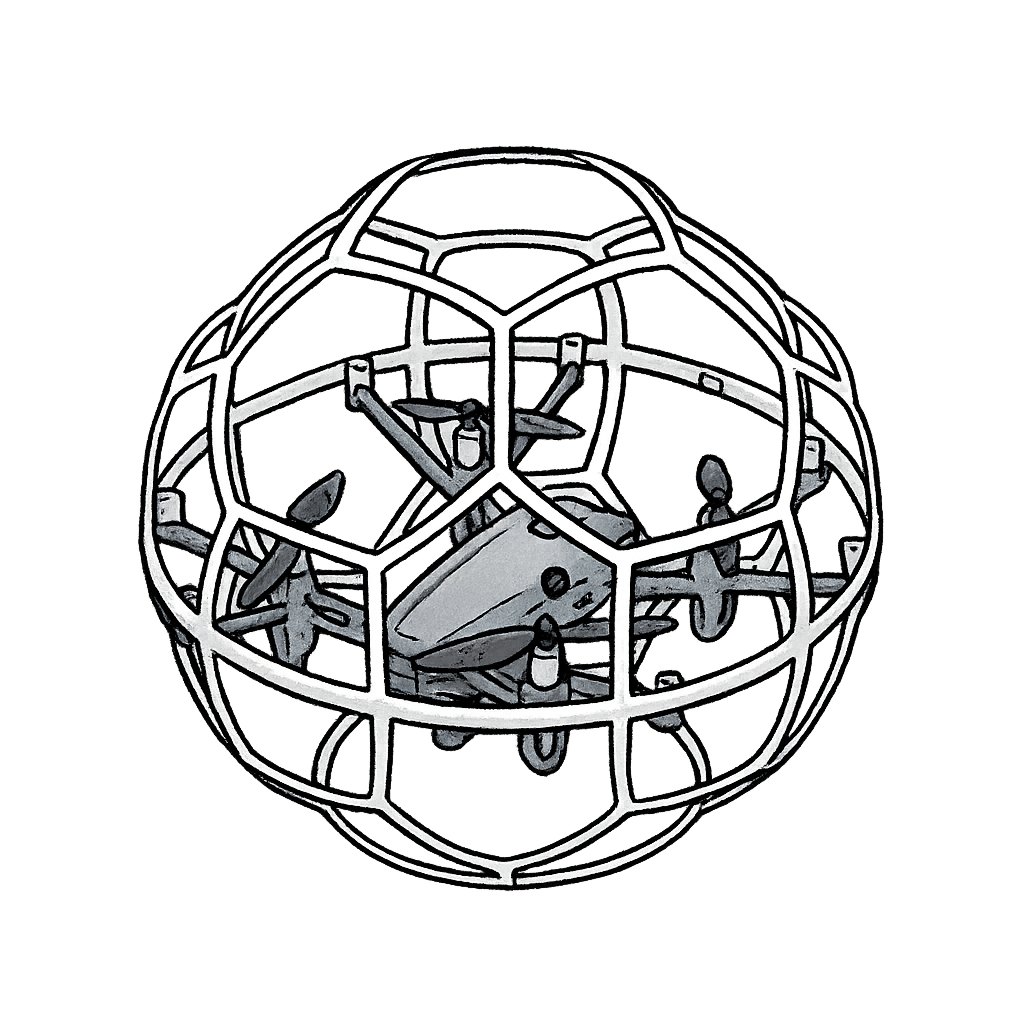
Drone STEM Exploration Course

Educational drones with protective guards combined with physical block coding let young children experience flight control, spatial positioning and basic programming thinking in a safe environment; indoor flight performances can be trained as school event highlights.

  • Learning focus: flight principles and safety, spatial awareness, basic remote control, simple flight programming, hand-eye coordination
  • Showcases: in-school drone performance, STEM carnival, family fun day
Safety Shield Spatial Positioning Performance & Presentation
Course thumbnail

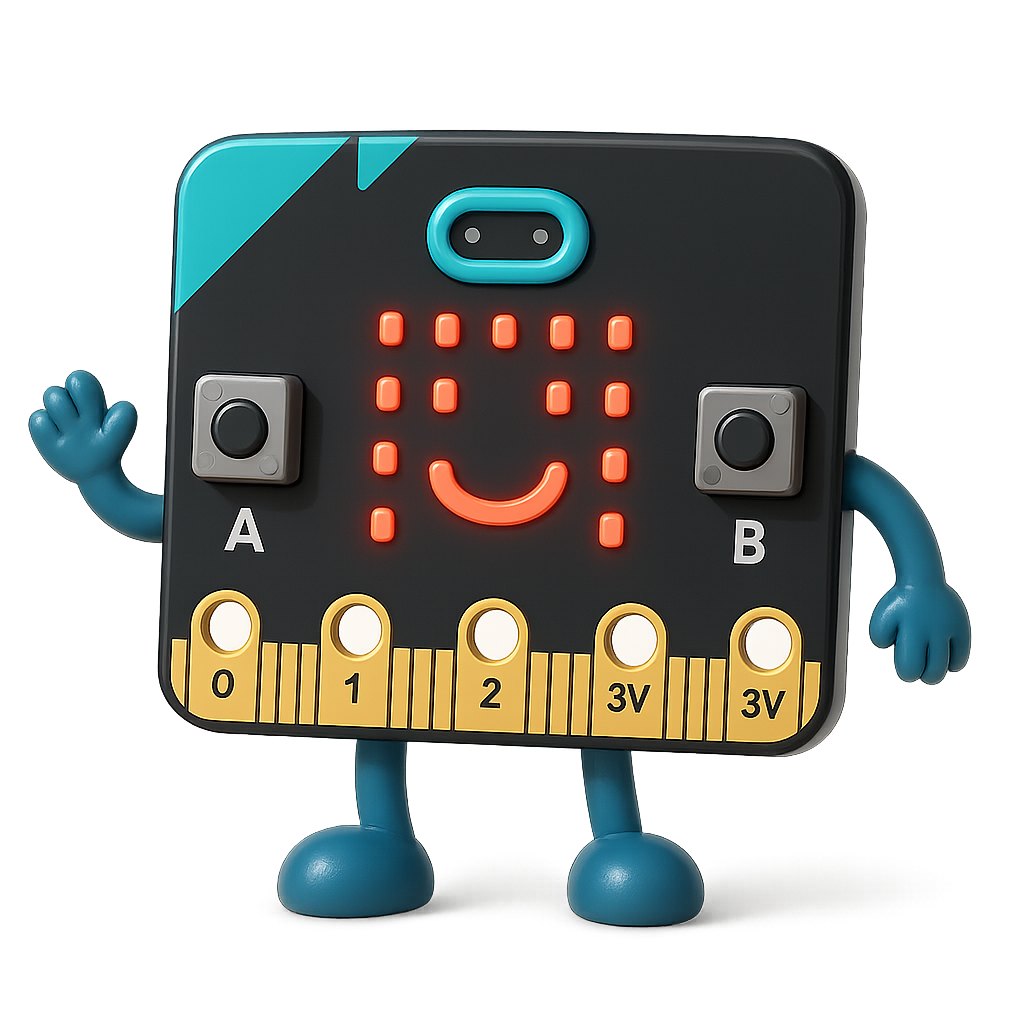
Micro:Bit Introduction to Creative Coding

Use the MakeCode visual interface to learn programming by dragging blocks, paired with Micro:bit to design personal mini-animations or interactive games.

  • Learning focus: Micro:bit basic functions, visual programming, input/output concepts, creative expression, computational thinking
  • Showcases: creative programming exhibition, interactive installations, STEM Week display
Block-based coding Instant Feedback Thematic Projects Primary Transition Support
Course thumbnail

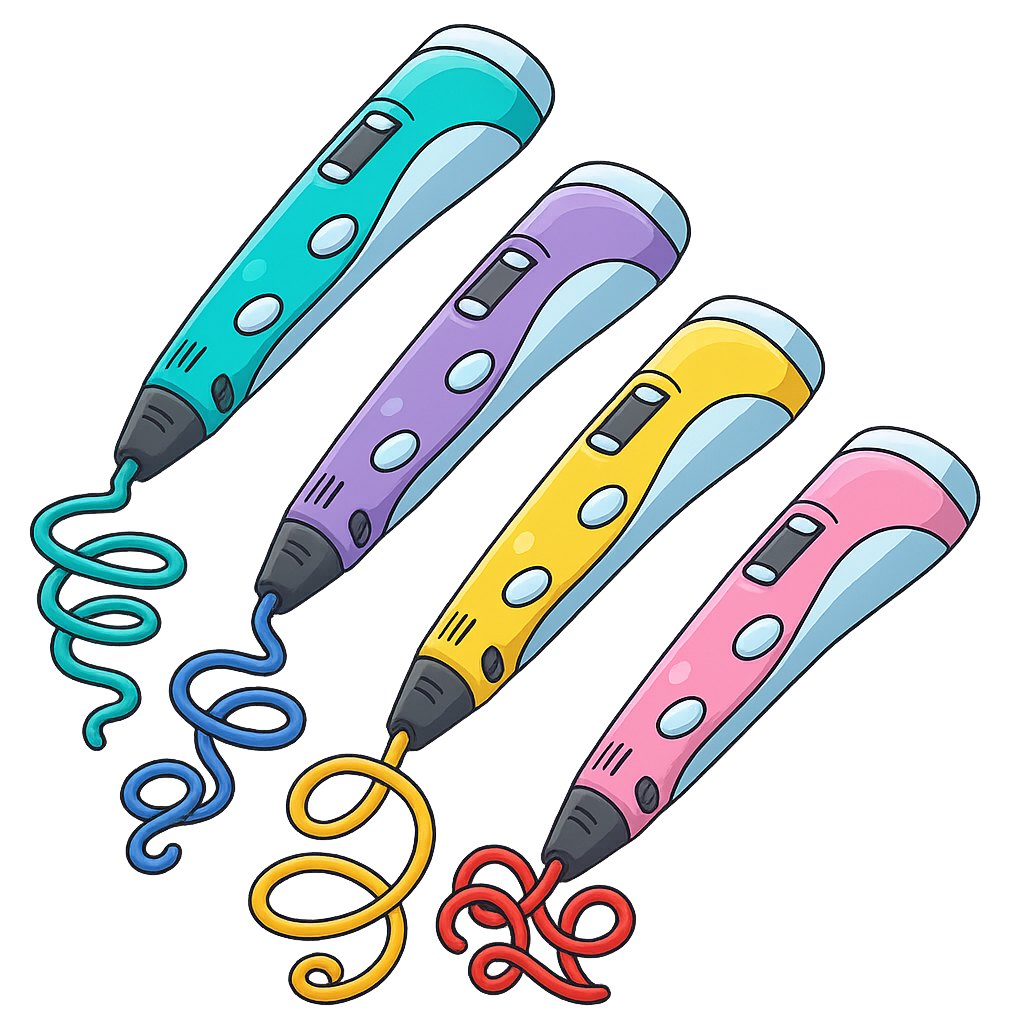
3D 3D Pen Creative Art

Child-safe low-temperature 3D pens — from flat tracing to 3D construction through story-themed creation, developing fine motor skills, spatial imagination and artistic creativity; work can be taken home or displayed at school.

  • Learning focus: 2D and 3D concepts, 3D pen operation, fine motor skills, artistic creativity, spatial imagination
  • Competitions/Showcases: 3D creative art exhibition, festive gift making, graduation souvenir creation
Low-Temperature Safe Art × STEM High Showcase Value

Ready to bring innovative STEAM learning to your students?

Contact us for a STEAM programme proposal and quote tailored to your school

中文EN