2612 5555
Rm 11, 18/F, Wing Fung Industrial Building, Tsuen Wan, NT
Get a School Quote

Primary Video Editing Course


Designed for P4–P6 students, emphasising practicality and creative expression, aligned with school activities and competition needs — developing digital media production skills.

Quick course picker
1 course

Video Editing and Creative Production

Editing Techniques Visual Storytelling Special Effects Applications
View course
Editing Techniques Visual Storytelling Media Production
Video editing class: students create with editing software
(Image generated by generative AI)

Video Editing & Creation Course | Course Overview

This course introduces students to the fun, accessible world of video — from 'what to shoot, how to shoot and how to edit' through the full creative workflow. Students use easy-to-use apps such as PowerDirector and iMovie for simple editing, captions and stickers, background music and voice-over, turning everyday observations into story-driven shorts. Lessons emphasise hands-on work and role division (director, camera, sound, editor), with gamified tasks to boost motivation. Digital citizenship (privacy and copyright) is covered, culminating in a 'mini premiere' where students confidently share their work.

What students will learn and gain

  • Master Editing Software
  • Understand Video Storytelling Structure
  • Apply Basic Visual Effects
  • Develop Media Literacy
  • Develop Visual Storytelling Skills

Course highlights

Content stays close to students' lives — campus news, event coverage, creative shorts and more. Students learn the full workflow from planning and filming to post-production. Combined with real campus activities, they gain experience and professional skills. Work can be used for school promotion, event records and video competitions.

Future-ready advantages

Students turn ideas in their minds into visible, audible work — developing creativity, logic and problem-solving through planning, filming and editing; learning to listen and express through teamwork; building responsibility and team spirit. Learning privacy, consent and copyright as digital citizens helps children create and share safely and respectfully. Local themes (school life, community stories) connect Chinese, English, visual arts and IT, making learning closer to Hong Kong students' daily lives.

Syllabus (example 8-unit programme)

  • Unit 1: Fundamentals of video editing
  • Unit 2: Introduction to editing software
  • Unit 3: Visual storytelling techniques
  • Unit 4: Sound effects and soundtrack applications
  • Unit 5: Basic special effects production
  • Unit 6: Subtitles and graphic design
  • Unit 7: Post-production colour grading
  • Unit 8: Themed video creation
(sessions and topics can be adjusted to school needs)
More primary recommendations

The following courses are designed for primary students — safe, low-burden, high-participation interaction, suitable for open days, STEM Week or parent-child showcases.

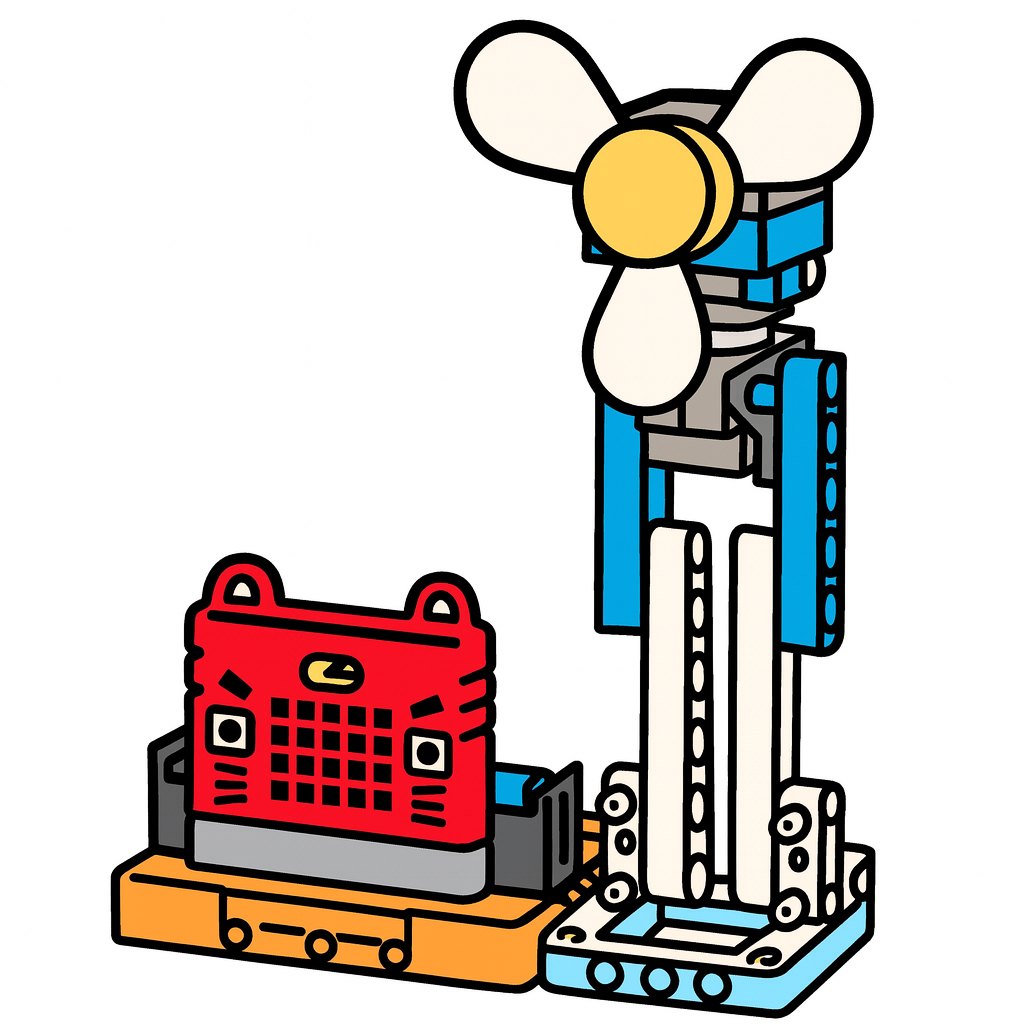
KittenBot IoT Intro Course Thumbnail

KittenBotIoT Introduction Course

Introduce IoT concepts, combining KittenBot and Micro:bit to build smart devices — close to smart city and daily life applications.

  • Learning focus: IoT fundamentals, sensor applications, data collection and transmission, system integration, innovative applications
  • Course highlights: smart home, environmental monitoring, health tracking projects; works can connect to the cloud for remote control
  • Competitions/Showcases: IoT micro:bit Challenge, campus smart device exhibition
IoT Micro:Bit Cloud Connectivity Smart City

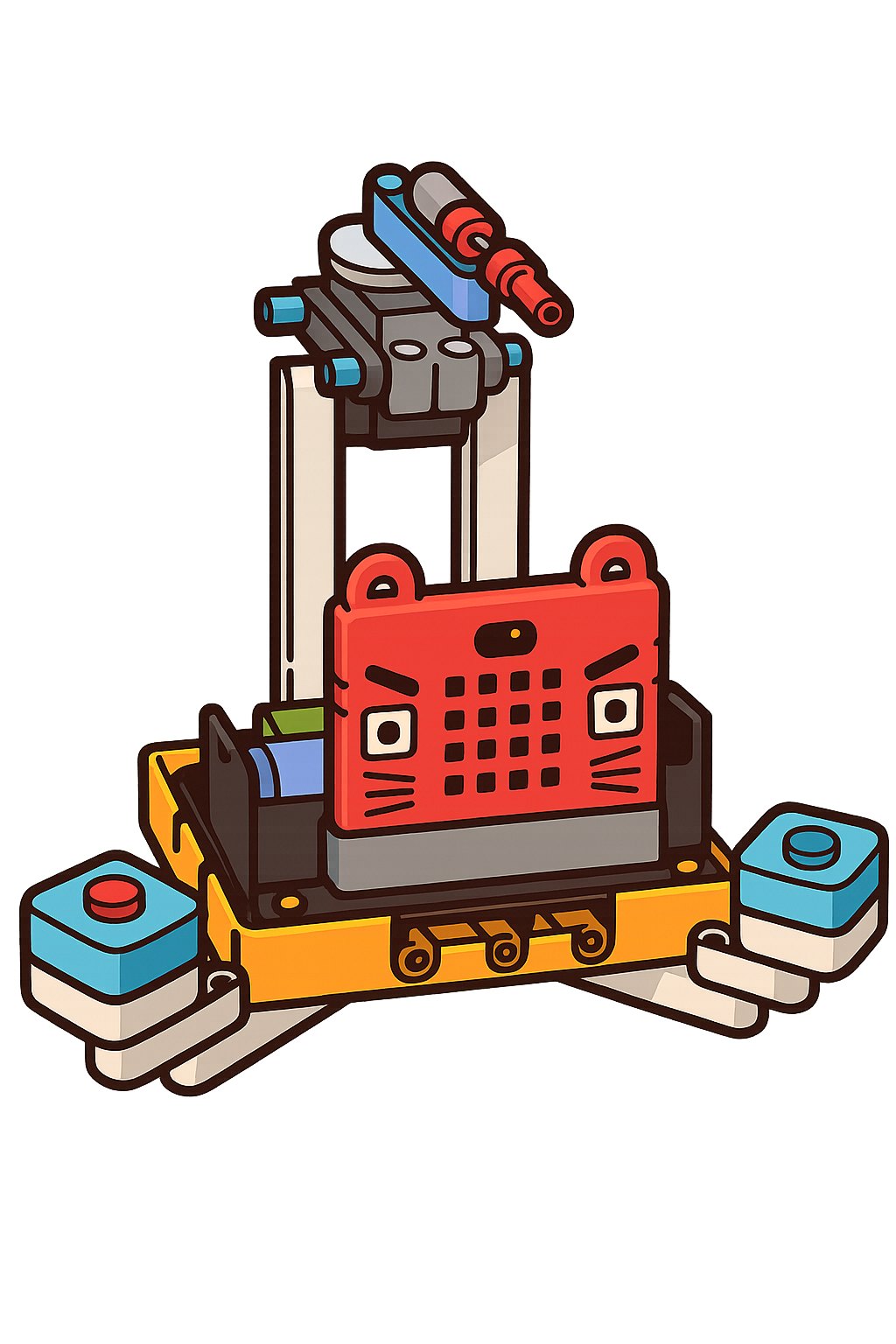
AIoT Smart IoT Course

Centred on Micro:bit combined with AI, students design and assemble diverse smart devices, experiencing innovative technology in practice.

  • Learning focus: AIoT concepts, smart sensing, data analysis, innovative applications, system design
  • Course highlights: focus on social issues (transport, health, environment) to develop solutions with social value
  • Showcases: school STEM carnival, various micro:bit AIoT competitions
AIoTSmart SensingSmart City
Course thumbnail

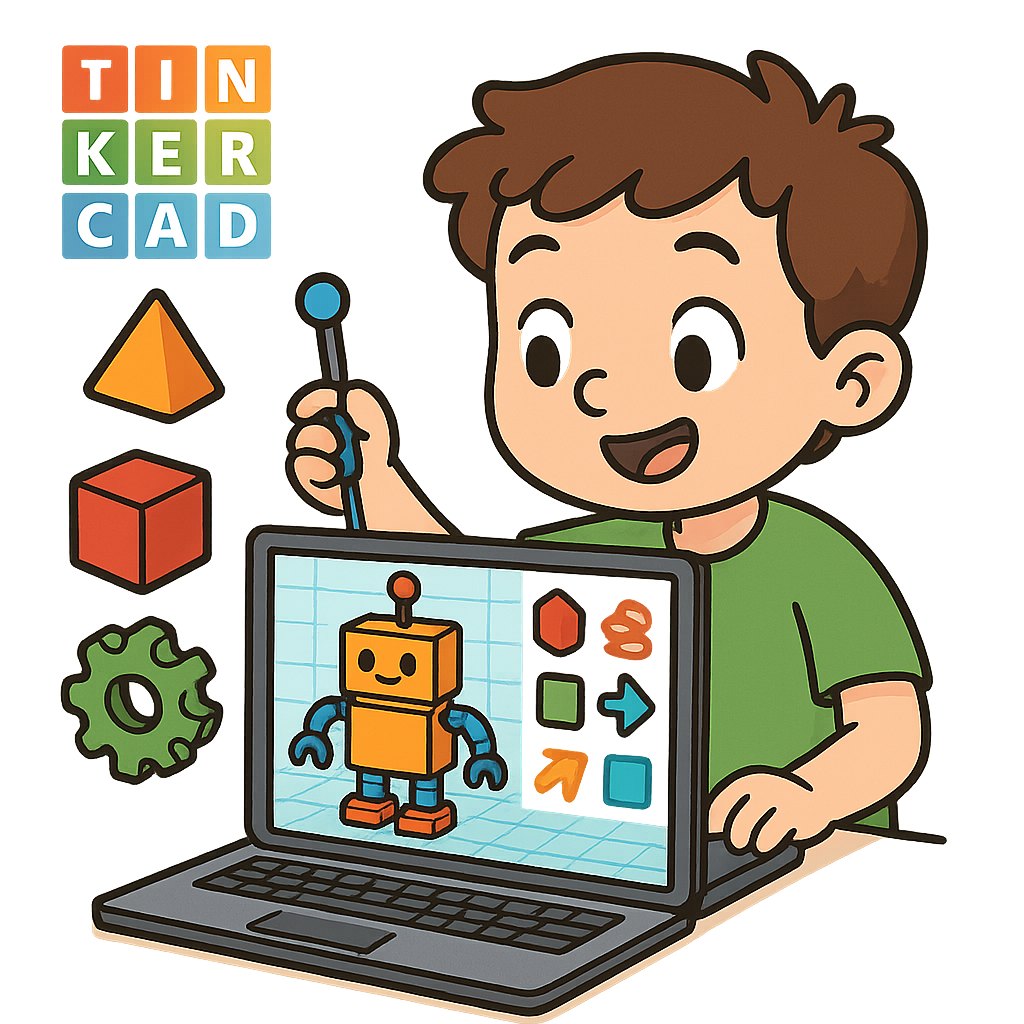
3DModelling & Design Course

Through gamified teaching, hands-on practice and project creation, children learn the secrets of 3D design easily in a happy atmosphere.

  • Learning focus: 3D modelling basics, spatial geometry, design thinking
  • Course highlights: project-driven, physical output, showcase application
Tinkercad 3DDesign Creative Thinking
Course thumbnail

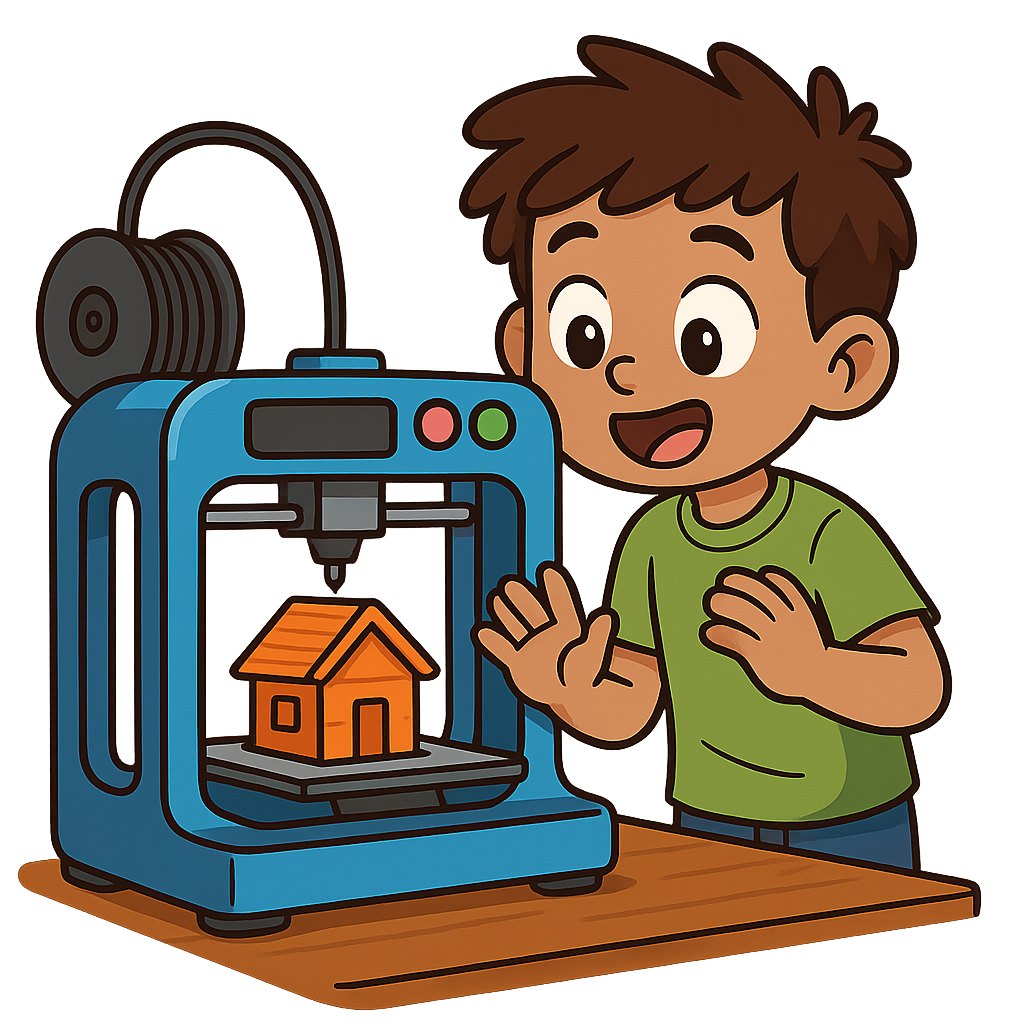
3D3D Printing Creative Course

The course uses simple, engaging 3D modelling software (e.g. Blender) for model creation.

  • Learning focus: advanced modelling, printing techniques, product design
  • Course highlights: physical making, maker mindset, showcase certification
Blender 3D3D Printing Product Design

Ready to bring innovative STEAM learning to your students?

Contact us for a STEAM programme proposal and quote tailored to your school

中文EN