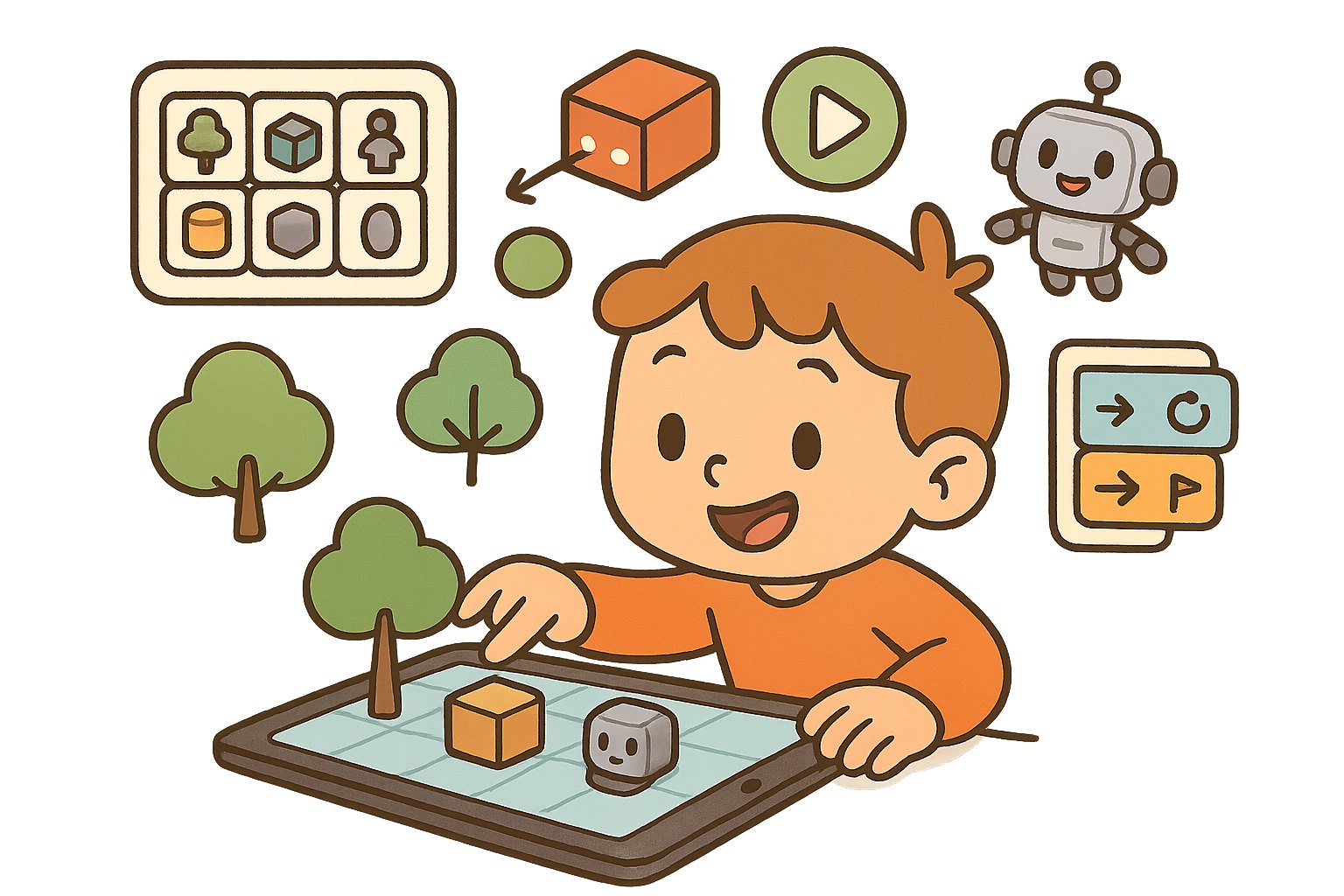
(Image generated by generative AI)
23. App InventorApp Development Course | Course Overview
Suitable for complete beginners with no prior coding. Based on the App Inventor block platform, students learn mobile app design and development through drag-and-drop blocks. Online or face-to-face modes available; each lesson includes practical tasks and group activities encouraging collaboration and showcasing results.
Content covers programming from fundamentals to advanced topics, including event-driven logic, variables, conditionals, loops, list handling and debugging. Students design multiple games (e.g. maze games, fly swatter, bird flight) and practical apps (e.g. calculator, BMI calculator, weather lookup, notepad), while learning multi-screen design, good user experience (UX), animation and sound integration, and multimedia features such as camera and voice. Advanced sections guide students to use TinyDB mini-databases, connect external data sources (APIs) and implement accessible apps (e.g. text-to-speech TTS). Every student completes a personal project, applying all they have learned and presenting it in class.
What students will learn and gain
- Master App Inventor operation
- Understand Application Architecture
- Learn Block-based Coding
- Develop Product Development Thinking
- Design UX Interfaces
Course highlights
Block coding lowers the entry barrier; students develop utility apps, games and learning apps. The course guides the full workflow from ideation, prototyping and testing to publishing, with version control and user feedback iteration — close to real product development.
Future-ready advantages
This course takes students from 'playing' to 'making', using block-based coding to turn ideas into apps that actually run on mobile phones — from simple games to practical tools (such as calculators, BMI trackers and weather lookups) — building computational thinking and problem-solving step by step. The course focuses on key concepts (events, conditions, variables, lists) and debugging habits, and develops good interface and multi-screen design so projects are both easy to use and visually appealing. It also incorporates multimedia and device features (camera, sound effects, text-to-speech) and data handling (TinyDB mini-database, external data sources) to strengthen data literacy and digital creativity. Through ongoing hands-on work and presentations, students practise expression and collaboration, building confidence and focus. Upon completion, they take home installable projects suitable for school showcases, competitions or admission interviews, aligned with local primary STEAM development and laying groundwork for further learning (e.g. advanced apps or AI topics).
Syllabus (example 8-unit programme)
- Unit 1: Introduction to App Inventor
- Unit 2: User interface design
- Unit 3: Event-driven programming
- Unit 4: Data storage management
- Unit 5: Multimedia Features
- Unit 6: Network communication applications
- Unit 7: Game application development
- Unit 8: App publishing workflow
(sessions and topics can be adjusted to school needs)